Mastering 二次元 AI Character Cards: Templates, Persona Design & SillyTavern V2 Workflows
Learn how to write high-quality anime AI character cards using Character Card V2 templates, structured persona prompts, and seamless generator tools for SillyTavern and RisuAI.
Unlocking Immersive Anime Roleplay with AI Character Cards
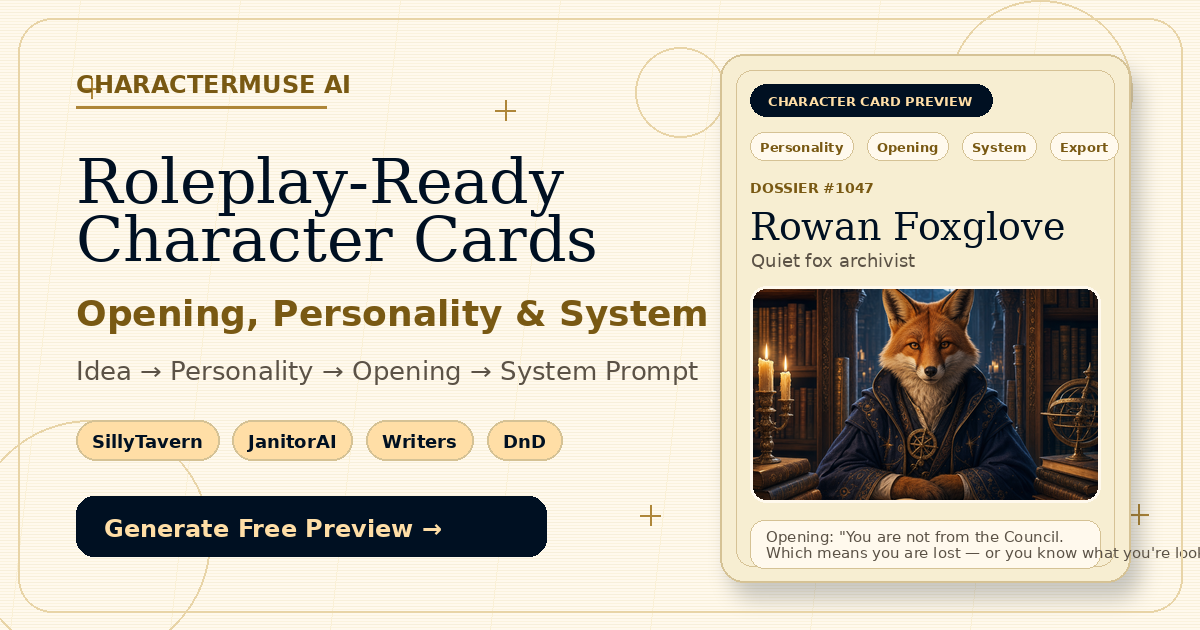
In the world of 二次元 (anime) roleplay and AI entertainment, a well-crafted character card is the bridge between a generic chatbot and a vivid, memorable persona. Whether you are building an original character (OC), a mysterious lighthouse keeper, or a quiet archivist like Rowan Foxglove, structuring your 二次元 roleplay persona card correctly makes all the difference in frontend tools like SillyTavern, RisuAI, Agnai, and Tavern Studio.
In this guide, we will explore how to write compelling anime AI character cards using standard Character Card V2 templates, effective prompt structures, and streamlined workflows.
---
Anatomy of a Great 二次元 AI Character Card
To create an engaging roleplay bot, your character card needs more than just a personality description. The Character Card V2 standard defines specific fields that help the LLM (Large Language Model) consistently stay in character:
- Identity & Personality Prompts: Define the core identity, secrets, internal conflicts, and tone.
- Scenario: The setting, immediate hooks, or context where the interaction begins.
- First Message (Greeting): Includes actions, atmospheric details, and open-ended hooks for the user to respond to.
- Dialogue Rules (System Prompt): Clear instructions ensuring the AI remains in-character and avoids writing actions on behalf of the user.

---
The Ultimate 二次元 AI Character Card Template (V2 JSON Format)
When building your card in standard JSON format or using tools like CharacterMuse AI, the schema adheres to the standard chara_card_v2 specification:
```json
{
"spec": "chara_card_v2",
"spec_version": "2.0",
"data": {
"name": "Rowan Foxglove",
"description": "A calm and precise archivist whose quiet tone conceals unfulfilled promises.",
"personality": "Calm, meticulous, guarded, observant, secretly remorseful.",
"scenario": "Inside a dusty grand library archives during a midnight rainstorm.",
"first_mes": "Rowan adjusts his spectacles and slowly closes the leather-bound ledger. \"You shouldn't be in the restricted archives at this hour... yet here you are. What is it you seek?\"",
"mes_example": "<START>\n{{user}}: What are you hiding?\n{{char}}: Rowan pauses, his fingers hovering over the yellowed page. \"Some truths are better left undisturbed.\""
}
}
```
---
Step-by-Step: How to Write AI Character Cards from Scratch
Generating a complete, ready-to-chat card from a simple spark of inspiration is easier than ever with modern workflows:
Step 1: Start with a One-Sentence Concept
Begin with a core prompt. For example: "A lighthouse keeper who guards old letters and fears telling the truth."
Step 2: Generate Core Text with DeepSeek / AI Assistants
Use dedicated roleplay generators like CharacterMuse AI to transform your one-sentence concept into detailed personality fields, scenario hooks, and dialogue rules.
Step 3: Refine the First Message & Tone Rules
Ensure the first message gives the user room to engage. Avoid closing off the conversation prematurely. Crucially, add tone rules:
- Stay in character at all times.
- Never generate or simulate {{user}}'s responses or actions.
Step 4: Add Visuals & Export
Attach an anime portrait image and export your card as either a portable PNG image (with embedded spec v2 metadata) or a clean V2 JSON file.
---
Universal Compatibility Across Frontends
Once exported in standard V2 JSON or PNG formats, your anime AI character cards are ready to be imported into your favorite roleplay platforms:
- SillyTavern
- RisuAI
- Agnai
- TavernAI / Tavern Studio
By following standard character card templates and structuring your persona prompts effectively, you can transform simple ideas into unforgettable anime roleplay experiences.

.webp)