How to Write the Ultimate Anime AI Character Card: Guide & V2 Template for SillyTavern
Learn how to craft immersive anime roleplay persona cards using the Character Card V2 specification. Master prompt structures, scenario design, and export standards for SillyTavern, RisuAI, and Native Tavern.
In the world of AI roleplay—whether you are using SillyTavern, RisuAI, Agnai, or Native Tavern—the secret to an unforgettable anime roleplay experience lies in a well-crafted AI character card. A generic prompt often leads to bland, repetitive conversations. To bring your favorite anime archetypes, original characters (OCs), or complex personas to life, you need a structured approach.
In this guide, we will break down how to design, write, and export professional 二次元 (Anime/2D) AI character cards adhering to the standard Character Card V2 specification.
---
Anatomy of a Character Card V2
Modern frontend tavern clients rely on the Character Card V2 standard to parse roleplay cards accurately. Whether encoded inside a .png image or stored as a raw .json file, a complete persona card includes the following core components:
- Name & Title: The character's identity.
- Personality / Description: The core behavioral traits, speech patterns, background story, and appearance.
- Scenario: The current setting or context where the interaction begins.
- First Message (Greeting): The starting dialogue that sets the tone, formatting, and pacing for the LLM.
- Lorebook / World Info: Optional supplementary entries that trigger key terms (e.g., world history, magical rules, side characters).
- Avatar / Visuals: Visual representation embedded into PNG chunks or attached directly.

---
Step-by-Step: How to Write an Anime Roleplay Persona Card
Step 1: Define the Core Archetype & Concept
Start with a distinct spark of inspiration. Is your character a calm and precise archivist, a competitive scholar, or a mysterious tavern info-broker?
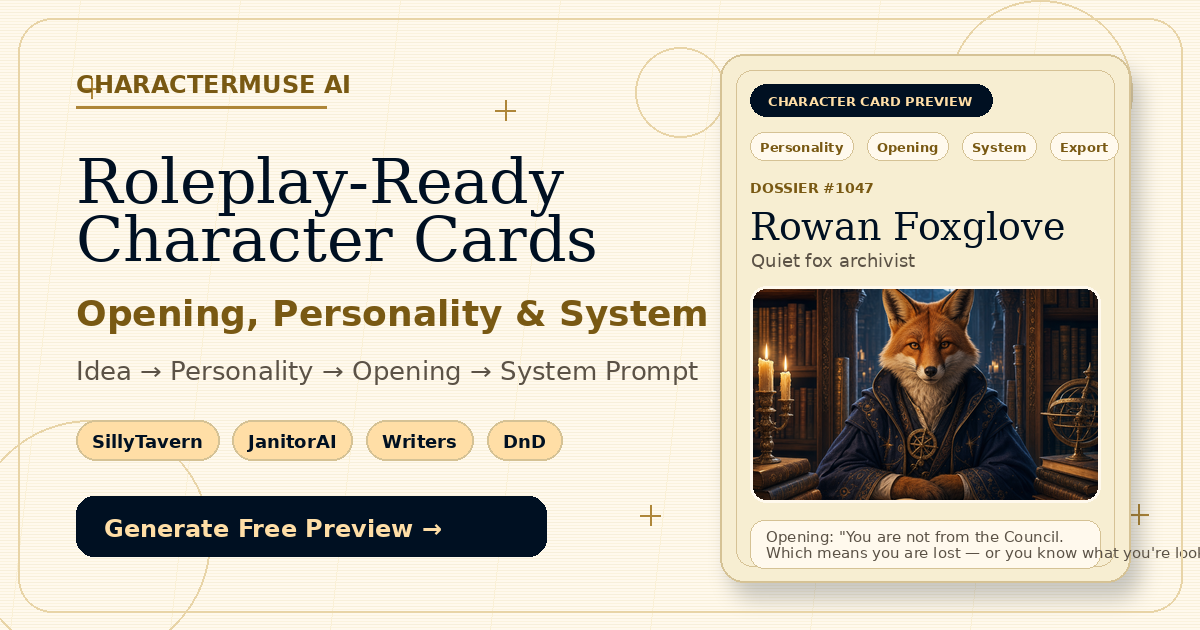
For example, consider an archivist character named Rowan Foxglove: A quiet, precise archivist whose polite tone hides an unfulfilled vow. Defining this contrast immediately gives the AI an internal conflict to roleplay.
Step 2: Structure the Description Prompt
You can structure character descriptions using natural language or pseudo-code formats like W++ or JSON-style attribute blocks. Plain text combined with structured tags works best for modern LLMs like DeepSeek, Claude, or GPT-4.
Key details to include:
- Mindset & Values: What drives them?
- Appearance: Hair, eyes, attire, distinctive physical traits.
- Speech Style: Do they use formal language, slang, or specific speech ticks?
- Relationships: How do they view
{{user}}?
Step 3: Craft a Captivating First Message
The First Message is the single most influential prompt field for setting the narrative style. It teaches the AI:
- Writing perspective (3rd person limited vs. 1st person).
- Narrative length and formatting (e.g., using asterisks
actionfor narration and quotes"dialogue"for speech). - Sensory details and emotional mood.
Step 4: Add World Books & Lorebook Triggers
If your character exists in a complex anime world (e.g., a magic academy or sci-fi cyberpunk city), use Lorebooks. Lorebooks allow extra context to be dynamically inserted only when specific keywords appear in the chat history, saving valuable context space.
---
Ready-to-Use Anime AI Character Card Template
Here is a clean Markdown/Text template you can copy and adapt when building your own character cards:
```text
[Character("Name")
{
Nickname("...")
Gender("...")
Age("...")
Appearance("...")
Personality("...")
Mindset("...")
Background("...")
Speech_style("...")
Likes("...")
Dislikes("...")
}]
[Scenario: Description of the opening scene, environment, and immediate conflict.]
[System Note: Write in 3rd person present tense. Focus on sensory details, internal thoughts, and character dynamics.]
```
---
Streamlining Your Workflow with Modern Tools
Creating cards manually from scratch can be time-consuming. Modern generators like CharacterMuse AI simplify this continuous workflow:
- Drafting with LLMs: Generate character drafts, scenarios, and initial messages instantly using deep reasoning models like DeepSeek.
- Editing & Structure: Tweak specific fields, refine speech patterns, and attach dynamic Lorebooks.
- Portrait Attachment: Match visual aesthetics with AI-generated or custom uploaded character portraits.
- Export Standard: Seamlessly export your final character as a standard Character Card V2 PNG or JSON ready to import into SillyTavern, RisuAI, Tavern Studio, or Native Tavern.
By following these V2 formatting principles, your anime roleplay personas will stay in character, respond dynamically, and deliver a truly immersive storytelling experience.