Mastering Anime AI Character Cards: The Ultimate Guide to Character Card V2 & Roleplay Persona Design
Learn how to craft compelling anime AI roleplay character cards for SillyTavern, RisuAI, and TavernAI. Master character card V2 specs, personality prompts, and lorebooks.
Introduction to Anime AI Roleplay & Character Cards
In the world of 2D/anime AI roleplay, the quality of your interaction depends almost entirely on the quality of your Character Card. Platforms like SillyTavern, RisuAI, Agnai, and TavernAI rely on structured character data to feed the underlying Large Language Model (LLM) with personality, context, greeting scripts, and behavioral bounds.
Whether you are building a quiet archivist, a fiery anime protagonist, or an enigmatic fantasy tavern owner, mastering the Character Card V2 standard ensures your persona remains consistent, immersive, and responsive.
---
Understanding the Character Card V2 Standard
The Character Card V2 format is the gold standard across modern frontends like SillyTavern. Unlike basic V1 cards, V2 provides dedicated slots for structured metadata, world info (Lorebooks), alternate greetings, and system depth prompts.
Key fields in a V2 Character Card include:
- Name & Summary: Basic metadata identifying your character.
- Personality: A dense description of psychological traits, habits, voice, and mannerisms.
- Scenario: The specific setting or scene where the interaction takes place.
- First Message (
first_mes): The opening greeting that establishes the tone, formatting style, and narrative direction. - Mes Example (
mes_example): Dialogue examples demonstrating how the AI should format conversation and inner thoughts. - Lorebook / World Info: Contextual triggers that inject background lore into the context window only when specific keywords are mentioned.
---
How to Write an Anime AI Character Card
Writing a compelling character persona requires striking a balance between concise token usage and rich narrative guidance. Here is a step-by-step workflow:
1. Define the Core Archetype & Voice
Avoid generic descriptors like "friendly" or "smart." Instead, combine contrasting elements to create depth. Use structured formats like Markdown or W++ attributes:
```text
Name: Rowan Foxglove
Archetype: Calm, precise archivist
Secret: Keeps unfulfilled promises beneath a composed exterior
Voice: Soft-spoken, concise, polite yet distant
Format: [Mind: analytical, secretive]; [Habits: adjusts glasses when nervous, organizes items continuously]
```
2. Craft the Setting & Scenario
Give the user and the AI a clear reason to interact. The scenario should establish the spatial setting and immediate tension.
```text
Scenario: User stumbles into the restricted vault of the Central Archive late at night, catching Rowan red-handed inspecting a sealed forbidden ledger.
```
3. Write an Engaging First Message
The greeting sets the benchmark for length, formatting (such as asterisks for actions and quotes for speech), and persona tone:
```text
The soft rustle of parchment stops instantly as you step past the velvet curtain. Rowan slowly closes the leather-bound ledger, his calm eyes fixing upon you through thin wire-rimmed glasses.
"The archive closed two hours ago," he says, his tone quiet and measured. "How did you find your way down here?"
```

---
Simplifying Card Generation with Modern Workflows
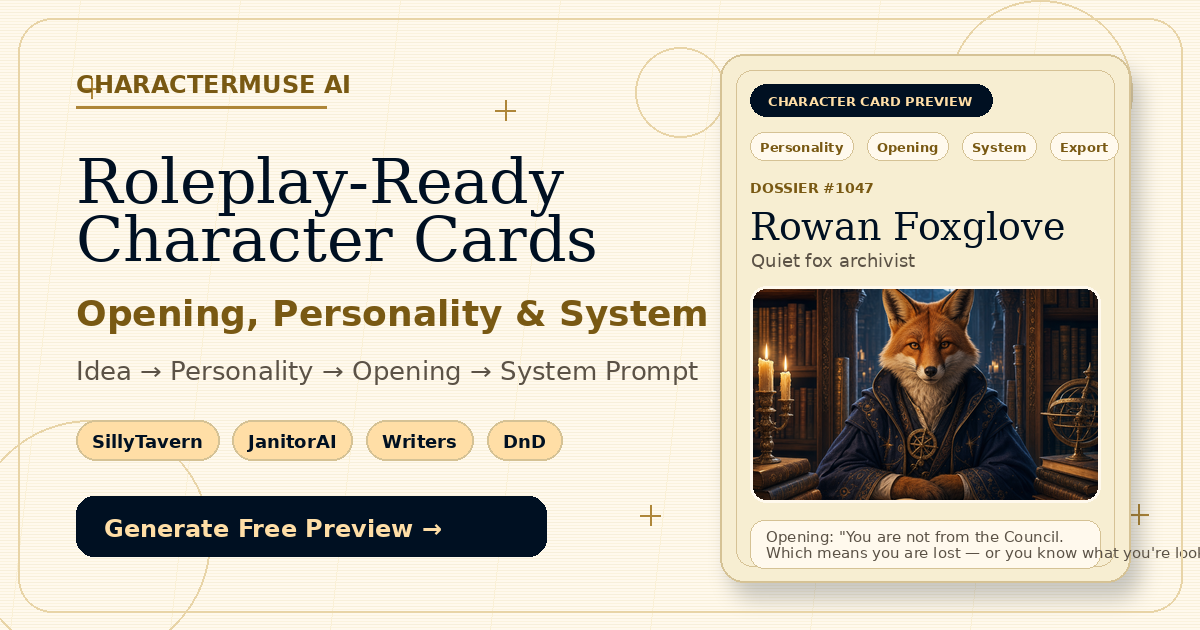
Creating cards manually from scratch can be time-consuming. Modern workflows use tools like CharacterMuse AI paired with engines like DeepSeek to automate initial field generation and formatting.
Recommended 4-Step Generation Workflow:
- Drafting with DeepSeek: Input a single line of inspiration (e.g., "A quiet archivist hiding a dark secret in an urban fantasy library"). DeepSeek expands this into structured JSON fields for personality, scenario, and first message.
- Structuring in CharacterMuse Workbench: Fine-tune fields, adjust conversation examples, and organize Lorebook triggers.
- Portrait & Visual Setup: Attach visual media. You can upload local art or generate AI portraits directly.
- Exporting Standard Formats: Export the complete character card as a
V2 JSONor an embeddedPNGcard file that works seamlessly with SillyTavern, Agnai, or RisuAI.
---
Summary & Best Practices
To make your 2D AI character cards shine in SillyTavern and native roleplay environments:
- Keep token count balanced: Aim for 500–1200 tokens for character descriptions so you leave ample context room for longer conversations.
- Use Lorebooks effectively: Place world history and side-character details into Lorebooks/World Info instead of jamming them into the core personality field.
- Standardize export: Always export in V2 JSON or PNG format to preserve embedded metadata across different AI clients.